Getting Started
IntroductionAccount
SettingsTools
Free Invoice GeneratorAsk AI
Copied! Paste in chat
Copies docs & opens AI chat
Documentation
Everything you need to get started with InvoiceBlitz — from creating your first invoice to automating recurring billing.
▶ Watch: Create and send your first invoice in under 2 minutes
Create an Invoice
Learn how to create, send, and manage professional invoices.
Send an Estimate
Send professional quotes to clients before starting work.
Manage Clients
Organize your client details and invoice history in one place.
Automate Billing
Set up recurring invoices on weekly, monthly, or yearly schedules.
Quick Setup
Get up and running in three steps.
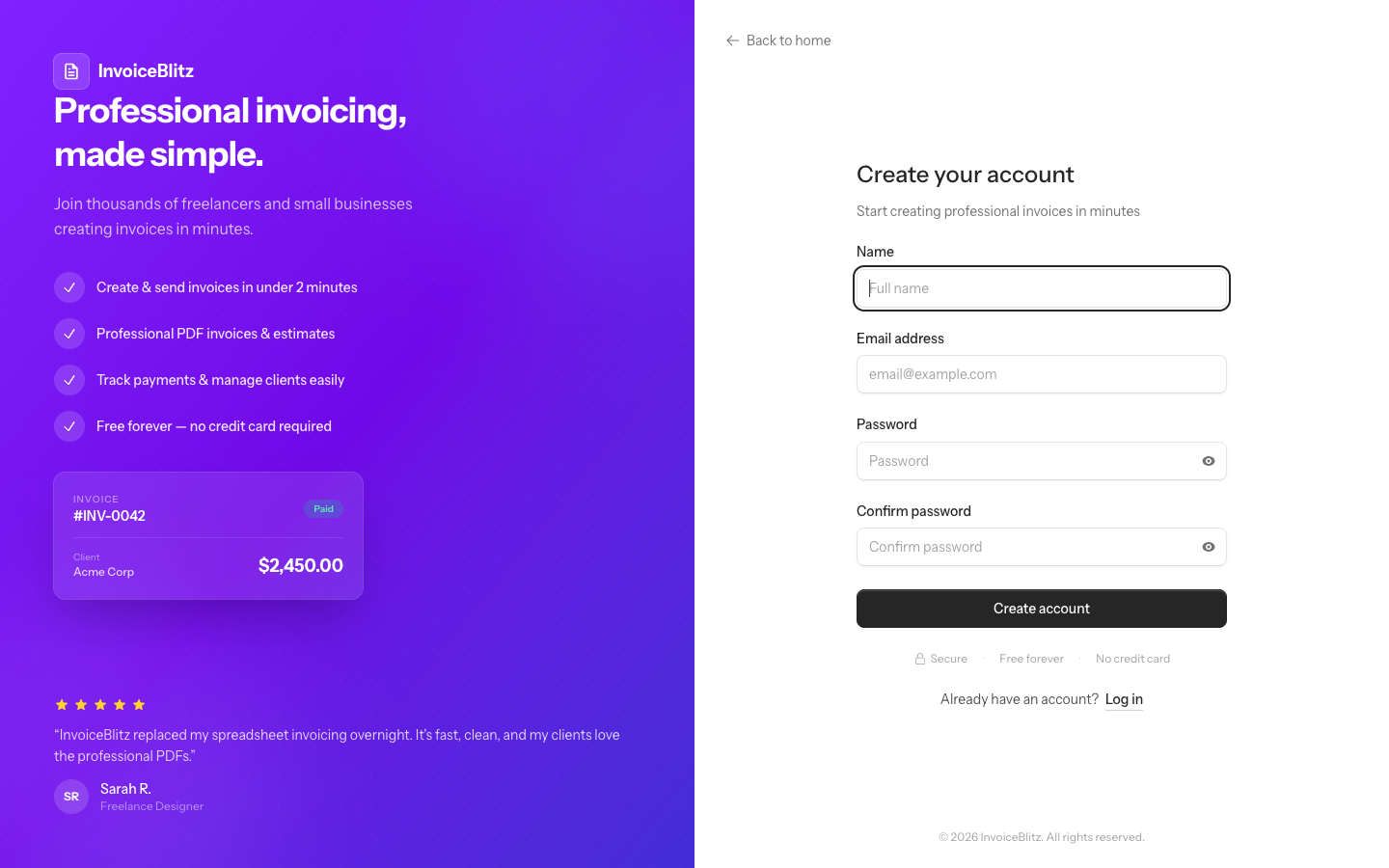
Create your free account
Sign up at InvoiceBlitz — no credit card required. You get immediate access to create invoices, manage clients, and download PDFs.
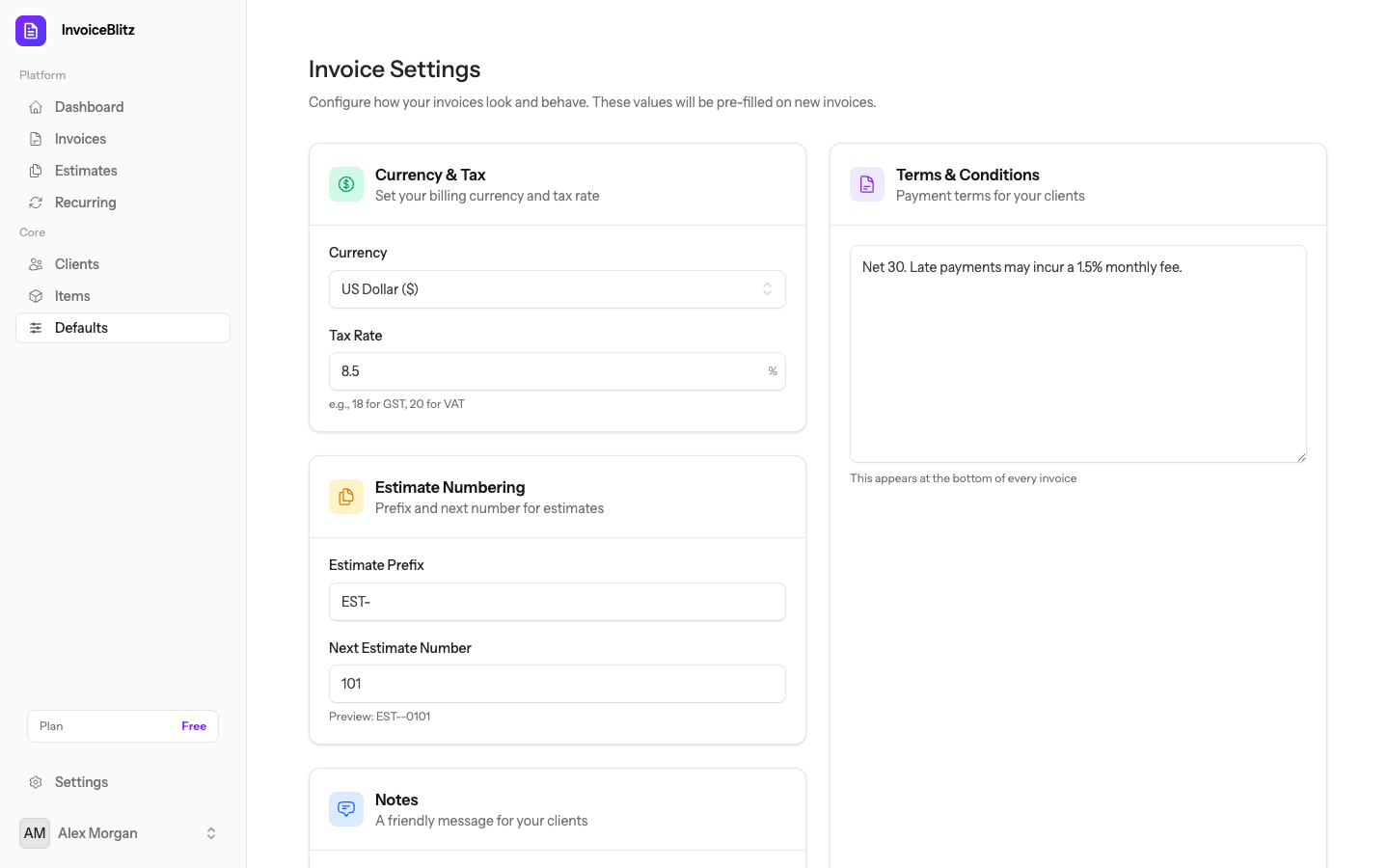
Set up your company details
Go to Settings → Defaults to add your company name, address, phone number, and tax ID. These appear on every invoice you create.
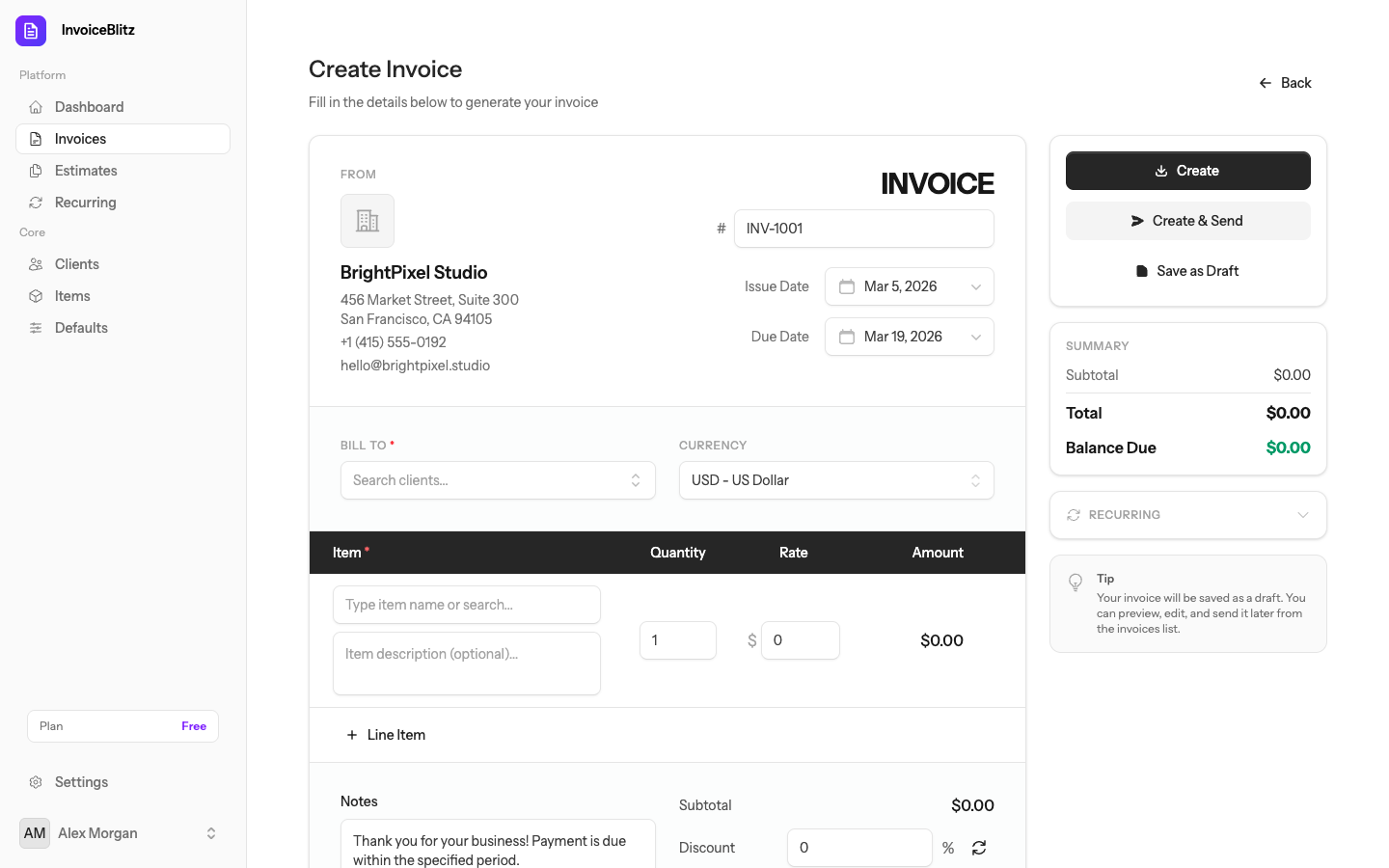
Create your first invoice
Click Invoices → Create Invoice from the sidebar. Add a client, line items, and hit save. Download as PDF or email it directly.
Dashboard
Your dashboard gives you a bird's-eye view of your business — total revenue, outstanding invoices, and recent activity at a glance.
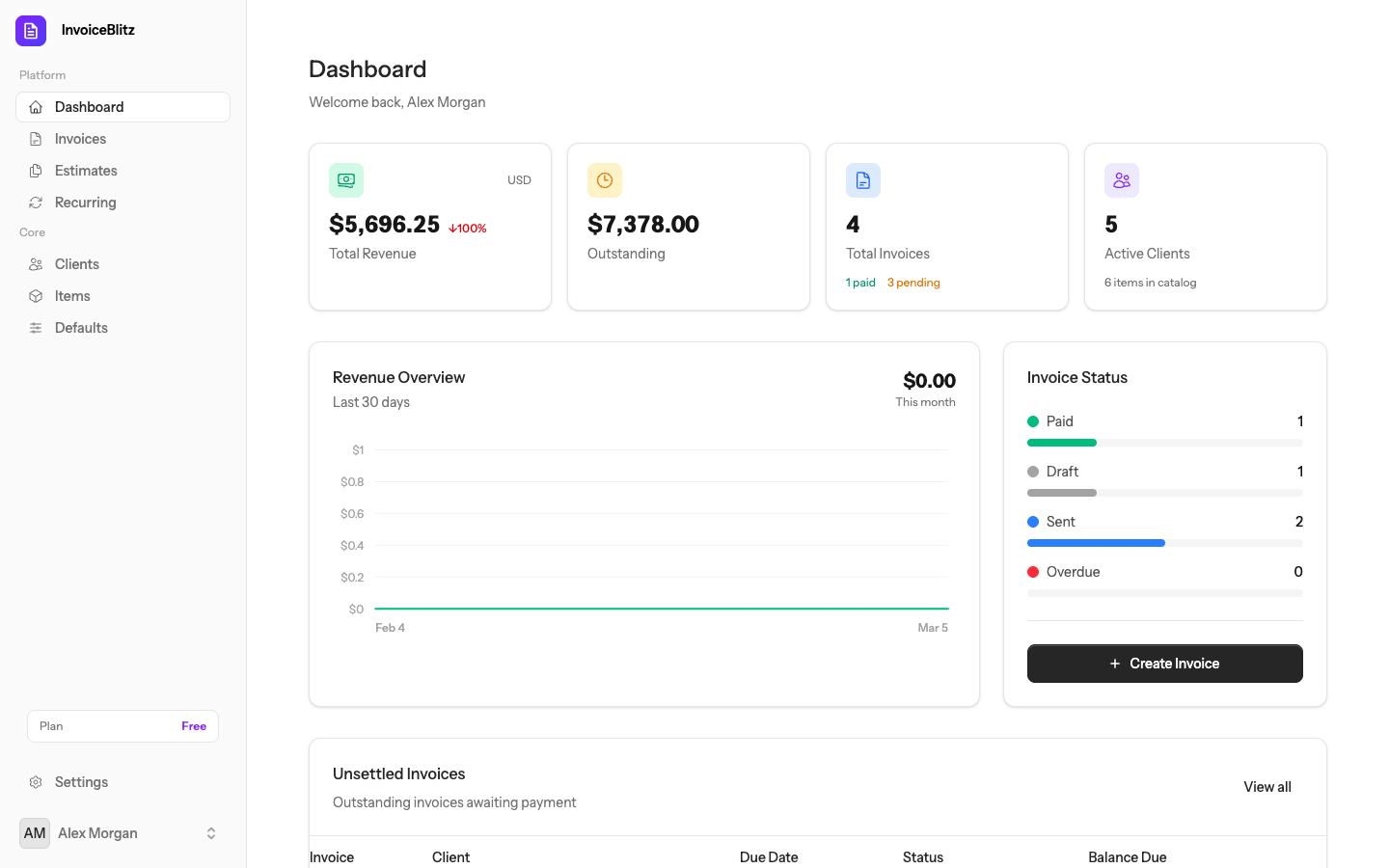
Revenue Metrics
View total revenue, paid vs outstanding amounts, and monthly trends with interactive charts.
Recent Activity
See latest invoices, payments received, and upcoming due dates in one place.
Invoices
Create professional invoices in minutes. Add line items, taxes, discounts, and shipping — then download as PDF or email directly to your clients.
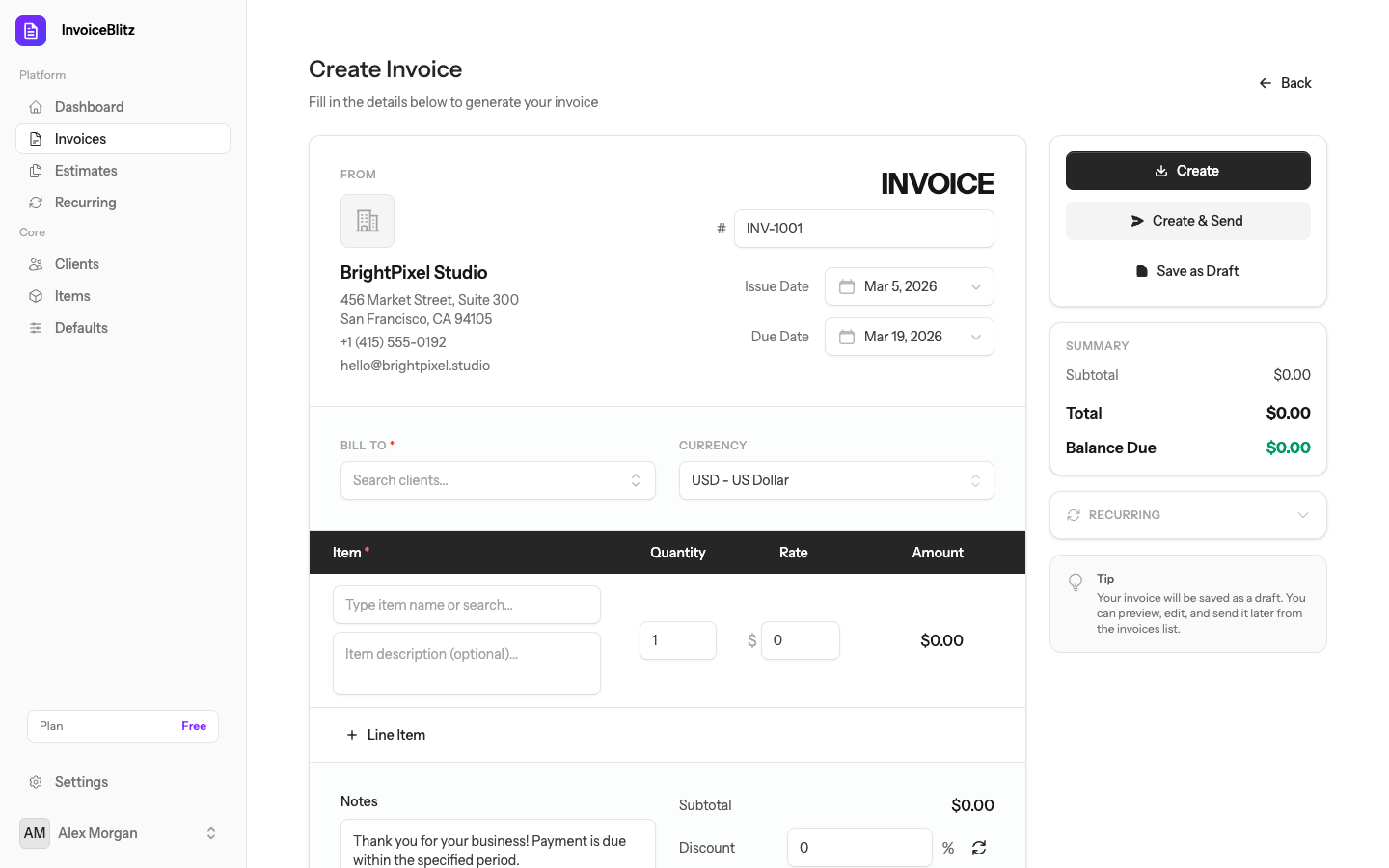
Creating an Invoice
Navigate to Invoices → Create Invoice from the sidebar. Fill in client details, add line items with quantities and rates, and configure tax or discount.
Managing Invoices
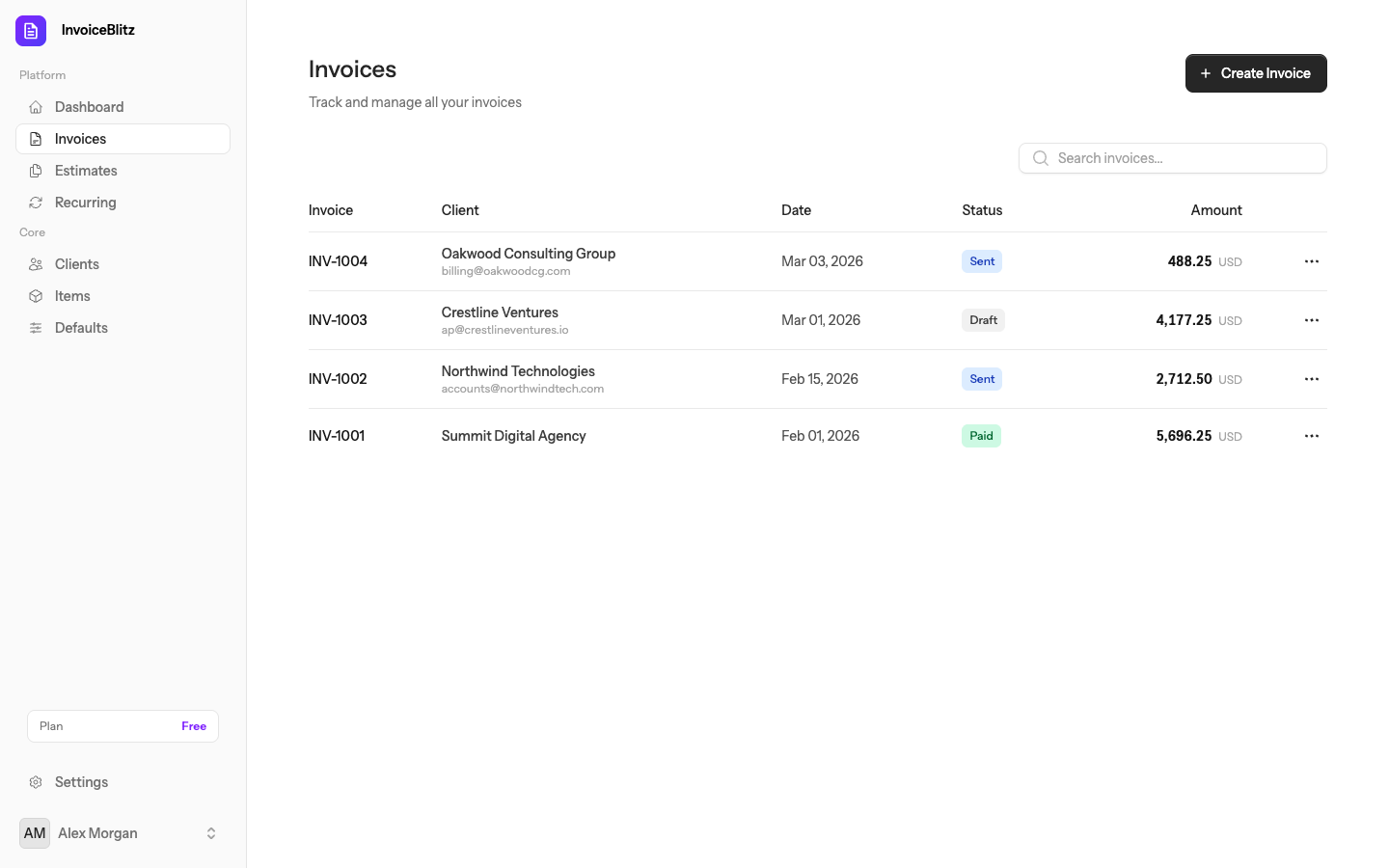
Your invoice list shows all invoices with their status (draft, sent, paid, overdue). Filter, search, and sort to find any invoice quickly.
Invoice Actions
Download PDF
Generate a professional PDF ready to share with your client.
Email to Client
Send directly to your client with a professional message.
Edit & Update
Edit draft invoices — update amounts, items, or client details.
PDF Preview
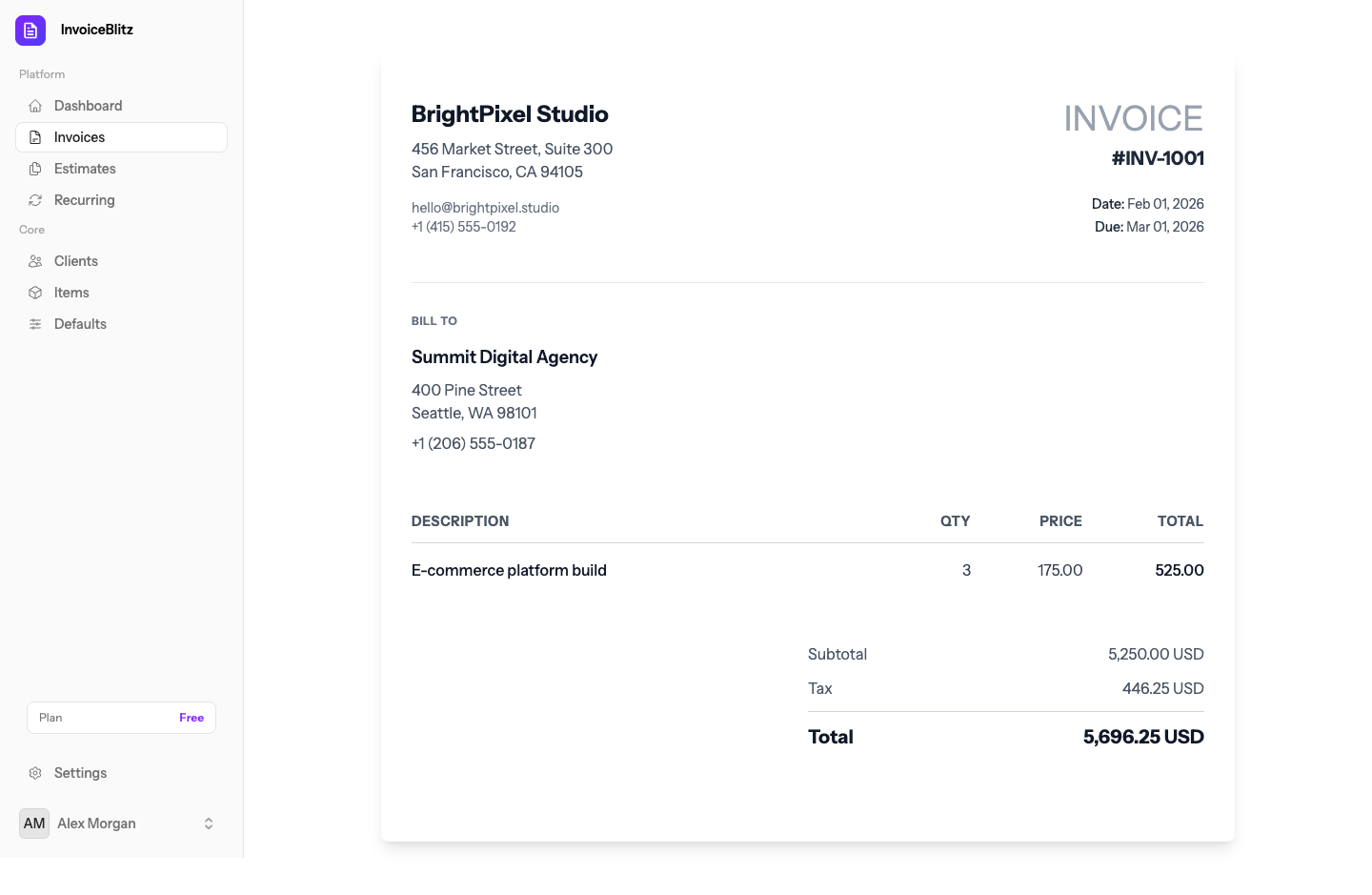
Every invoice generates a clean, professional PDF with your company branding, line items, totals, and payment details.
Invoice Design Templates New
Choose from 8 professionally designed invoice templates to match your brand. Set a default template in Settings → Defaults, or override per invoice when creating or editing.
Classic
Minimal
Compact
Modern
Bold
Elegant
Executive
Creative
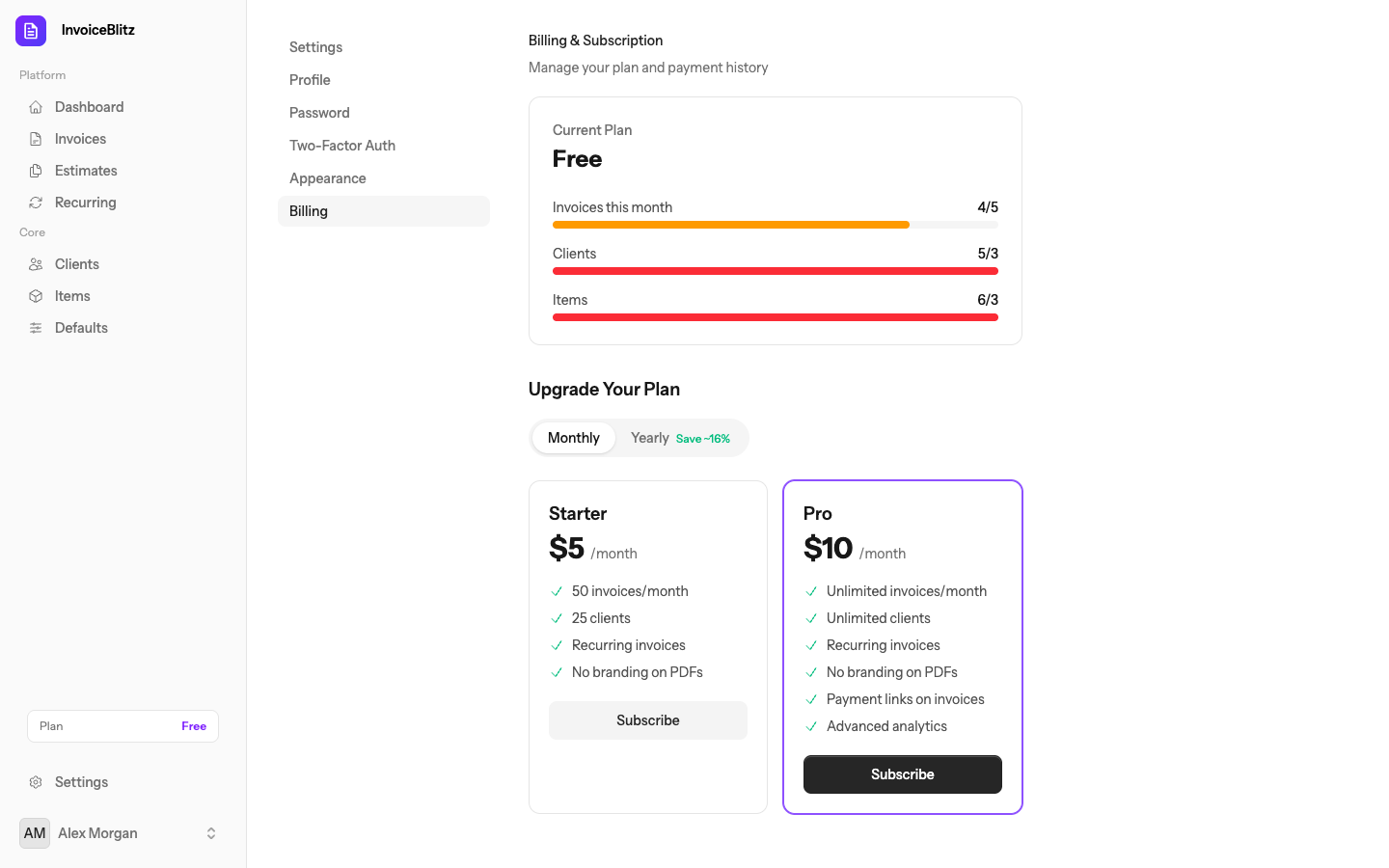
Free plans include 3 templates (Classic, Minimal, Compact). Starter plans add Modern, Bold, and Elegant. Pro plans unlock all 8. Browse all templates →
Estimates & Quotations
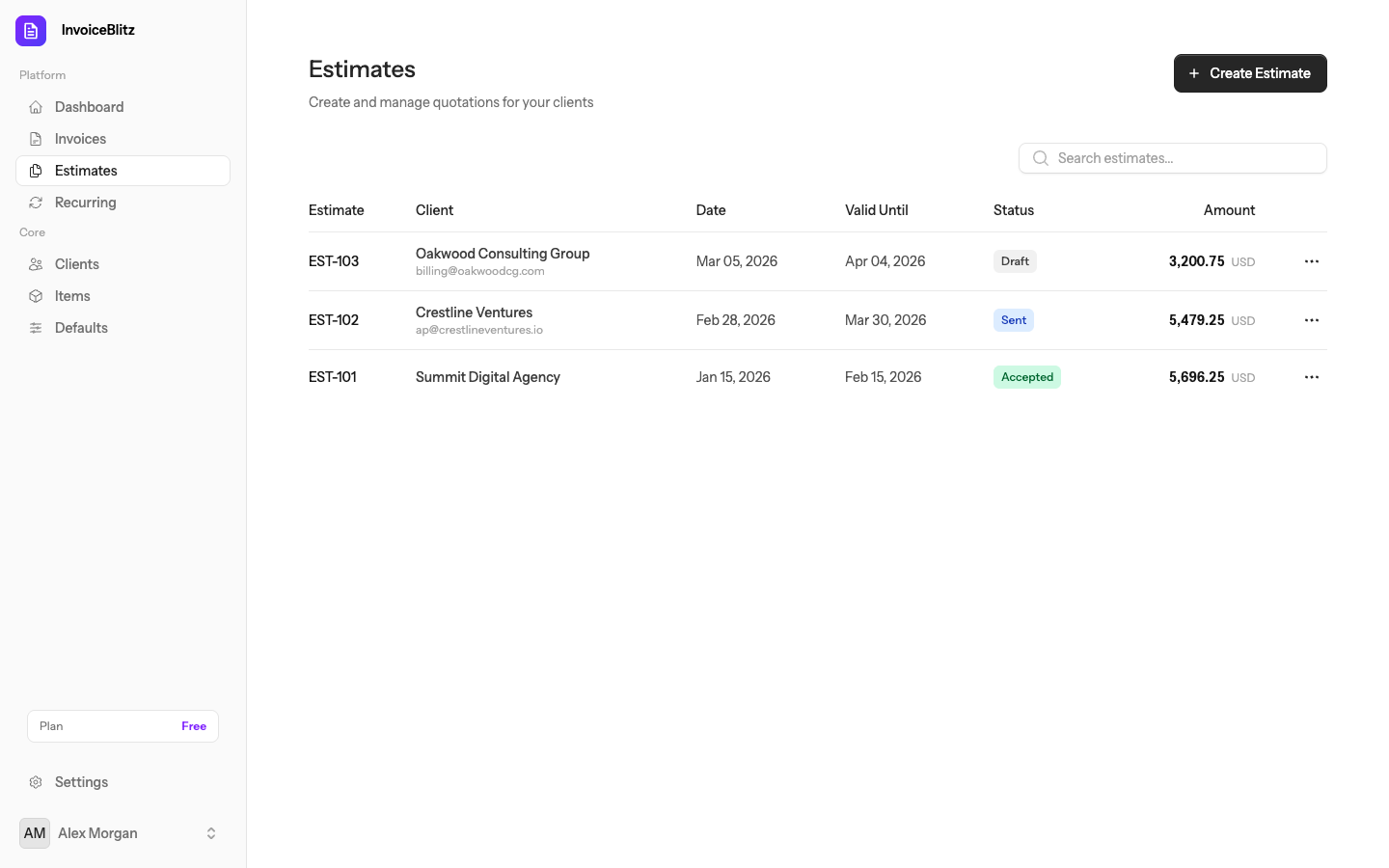
Send professional quotes to clients before starting work. Estimates use the same line-item structure as invoices but are clearly marked as non-binding quotations.
Creating an Estimate
Navigate to Estimates → Create Estimate. The form works just like invoices — add a client, line items, taxes, and notes. Save as draft, download as PDF, or email to your client.
Managing Estimates
Track all your estimates with statuses like draft, sent, accepted, and declined. Edit, download, or resend any estimate from the list view.
Clients
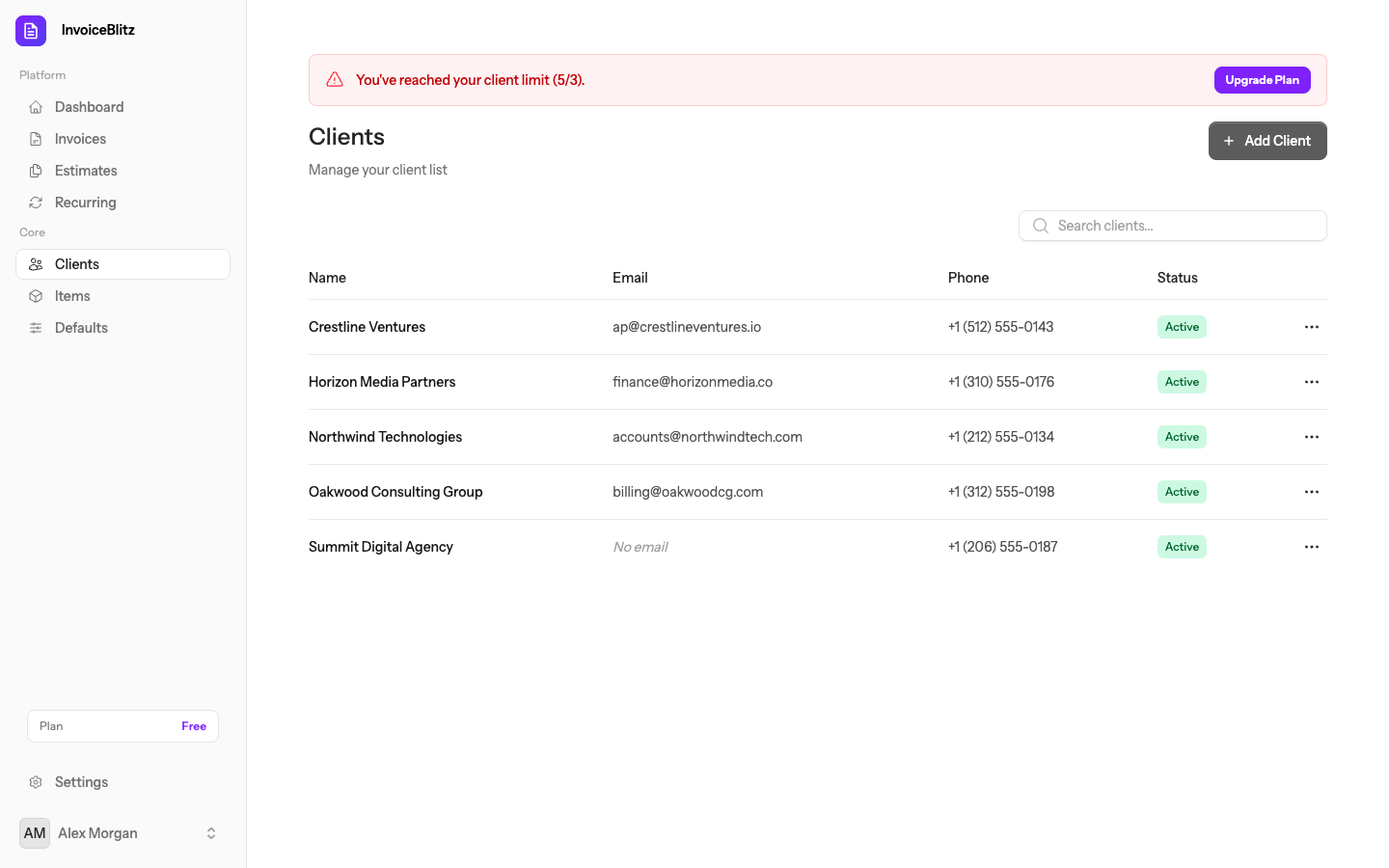
Keep all your client details organized in one place. Add names, emails, addresses, and phone numbers — then select them instantly when creating invoices or estimates.
Adding a Client
Go to Clients → Add Client. Enter their name, email, billing address, and phone number. You can also add clients inline while creating an invoice.
Client List
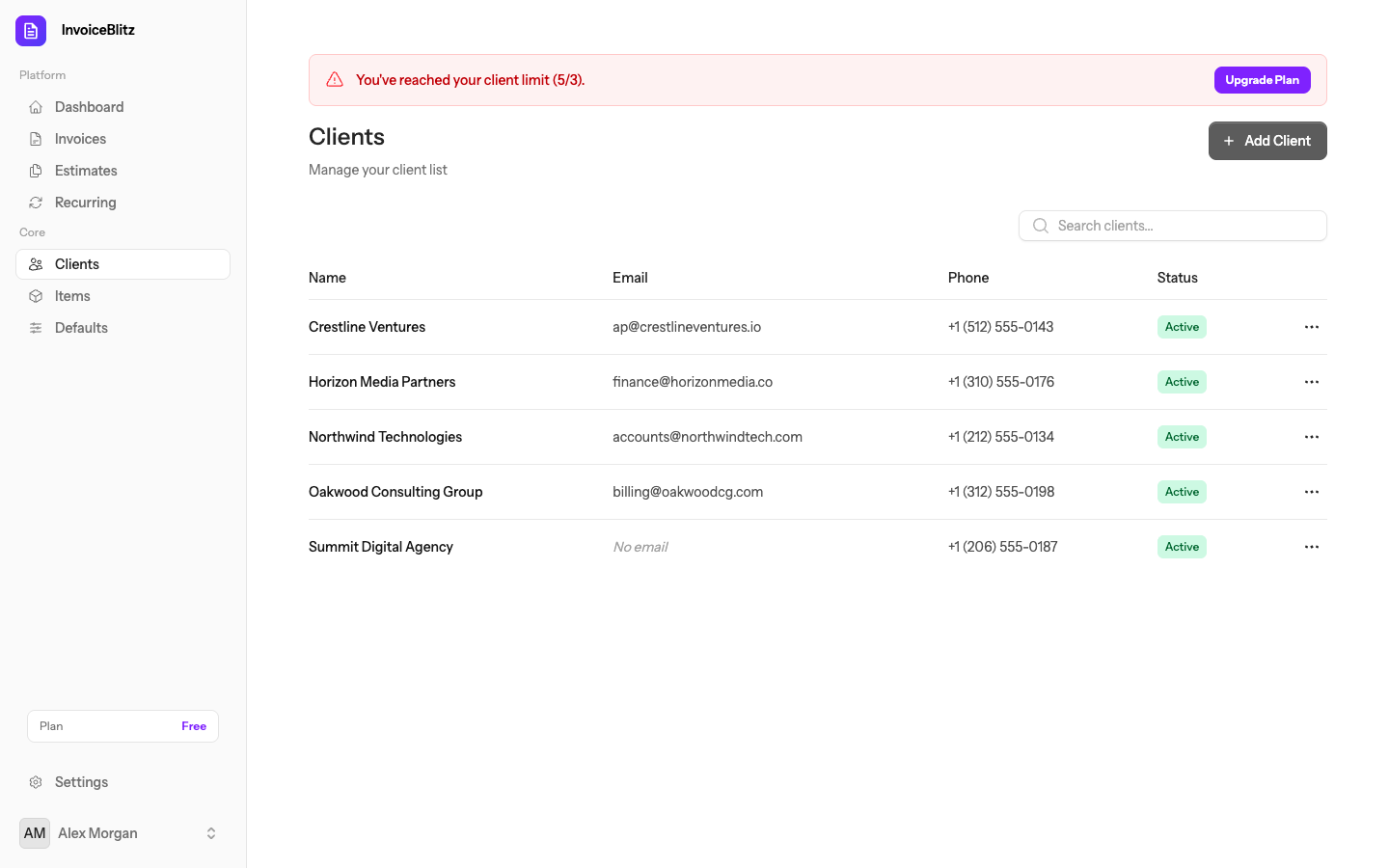
View all your clients with contact info and total invoice count. Click any client to edit their details.
Items
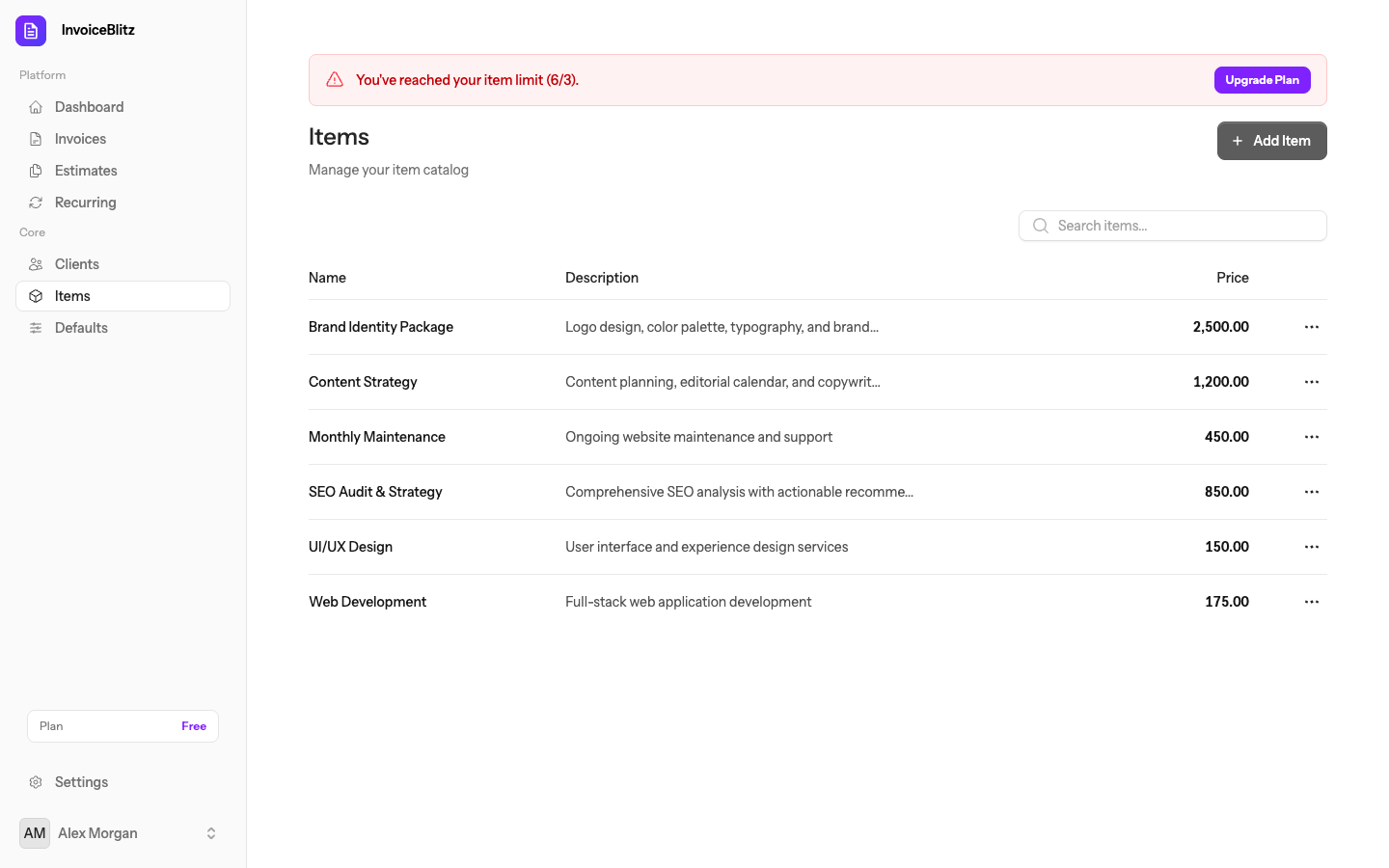
Build a catalog of your services and products. Save items with descriptions and rates so you can add them to invoices with a single click.
Managing Items
Go to Items from the sidebar. Add your services or products with a description, rate, and unit (hourly, per item, flat rate, etc.). When creating an invoice, select saved items to auto-fill line items.
Recurring Invoices
Automate your billing with recurring invoices. Set up a schedule and InvoiceBlitz will automatically generate and send invoices at your chosen interval.
Setting Up a Schedule
Go to Recurring from the sidebar. Create a new schedule by selecting a client, adding line items, and choosing the frequency — weekly, monthly, quarterly, or yearly.
How It Works
Create a schedule with a client and line items
Choose your frequency: weekly, monthly, quarterly, or yearly
Invoices are automatically generated on schedule
Optionally auto-send to your client via email
Settings
Customize InvoiceBlitz to fit your business. Set up your company info, configure defaults, manage your subscription, and secure your account.
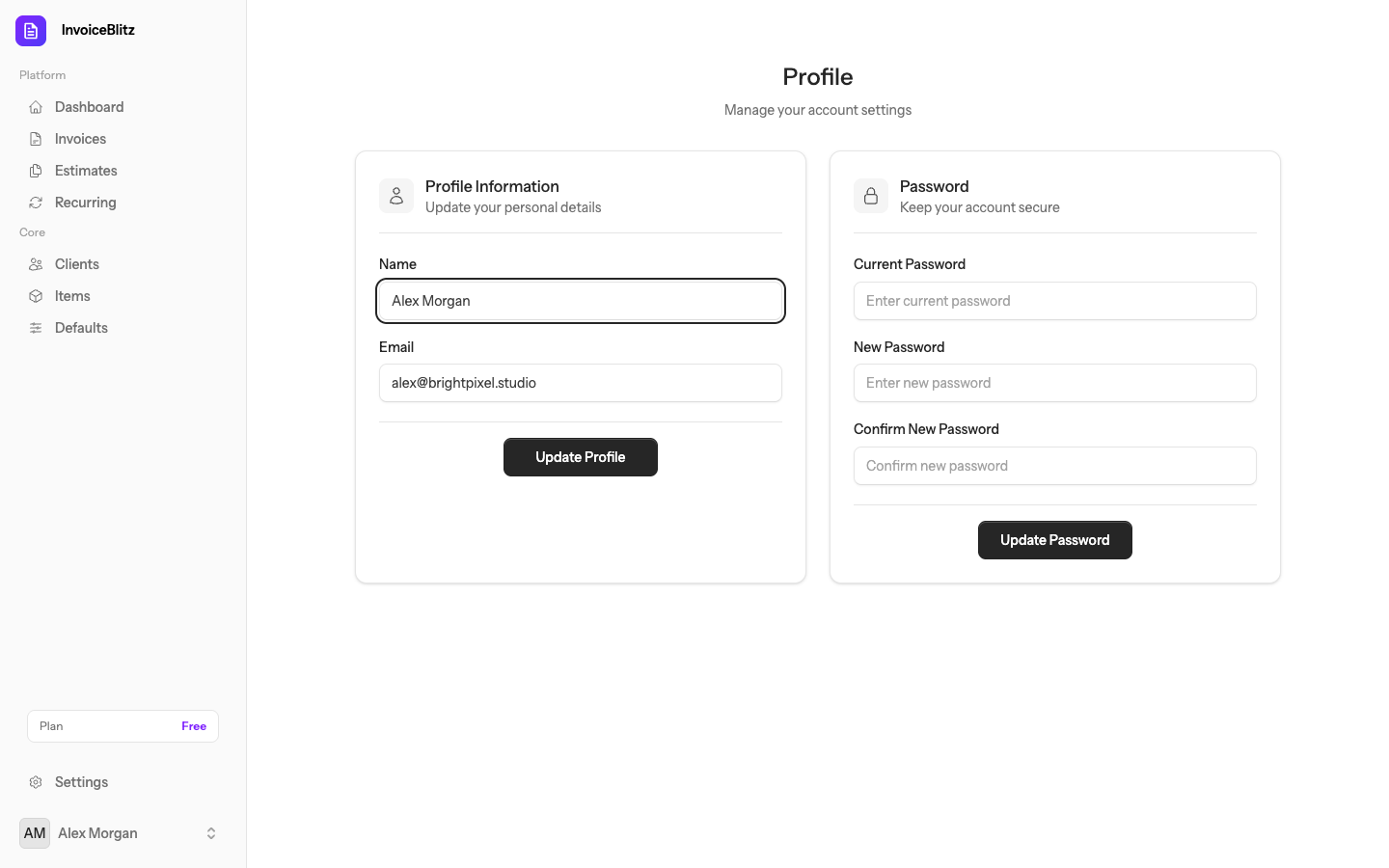
Profile
Update your name and email address. Your profile info appears in account-related communications.
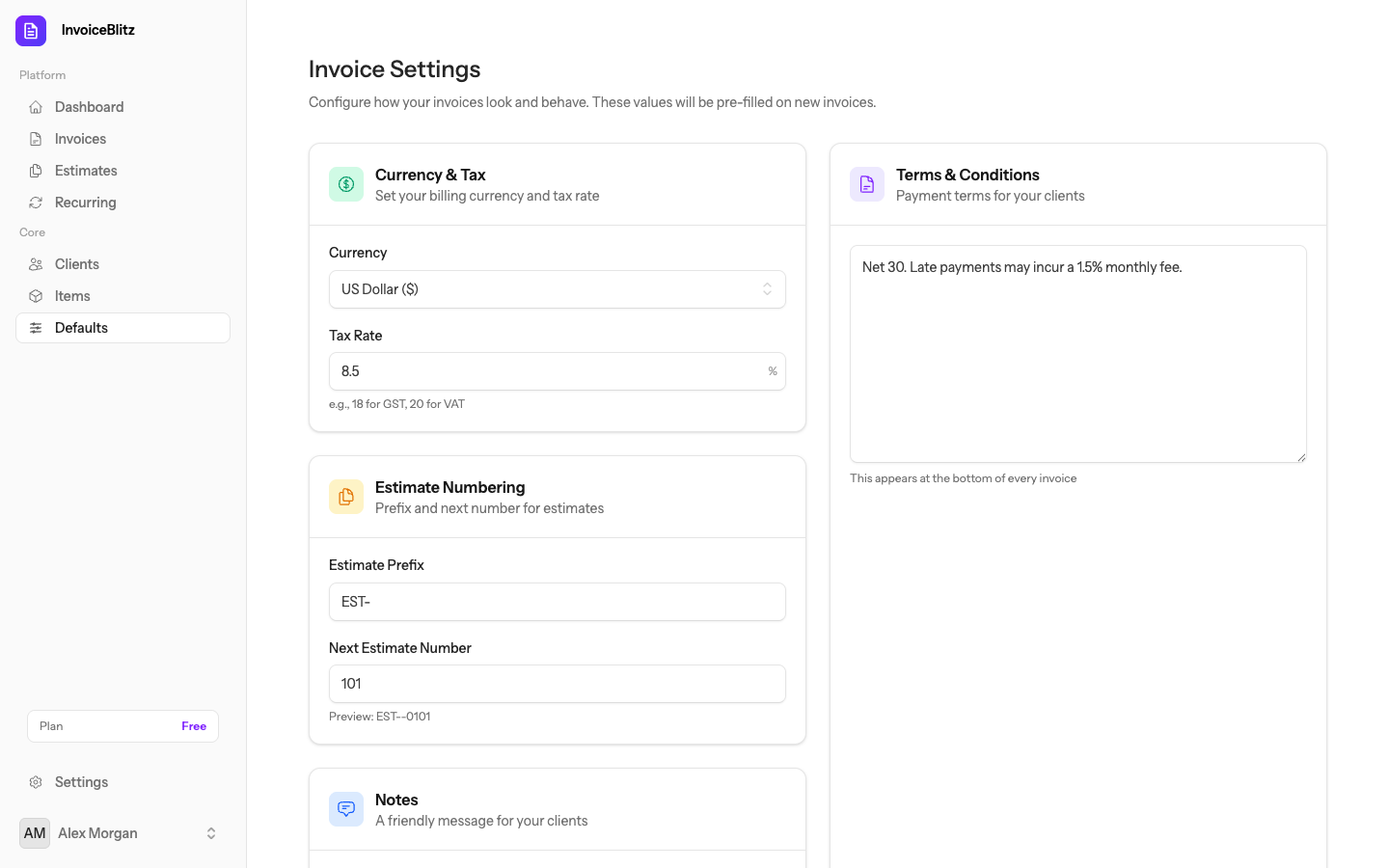
Company Defaults
Set your company name, address, phone, email, and tax ID. Configure default currency, invoice prefix, and starting invoice number.
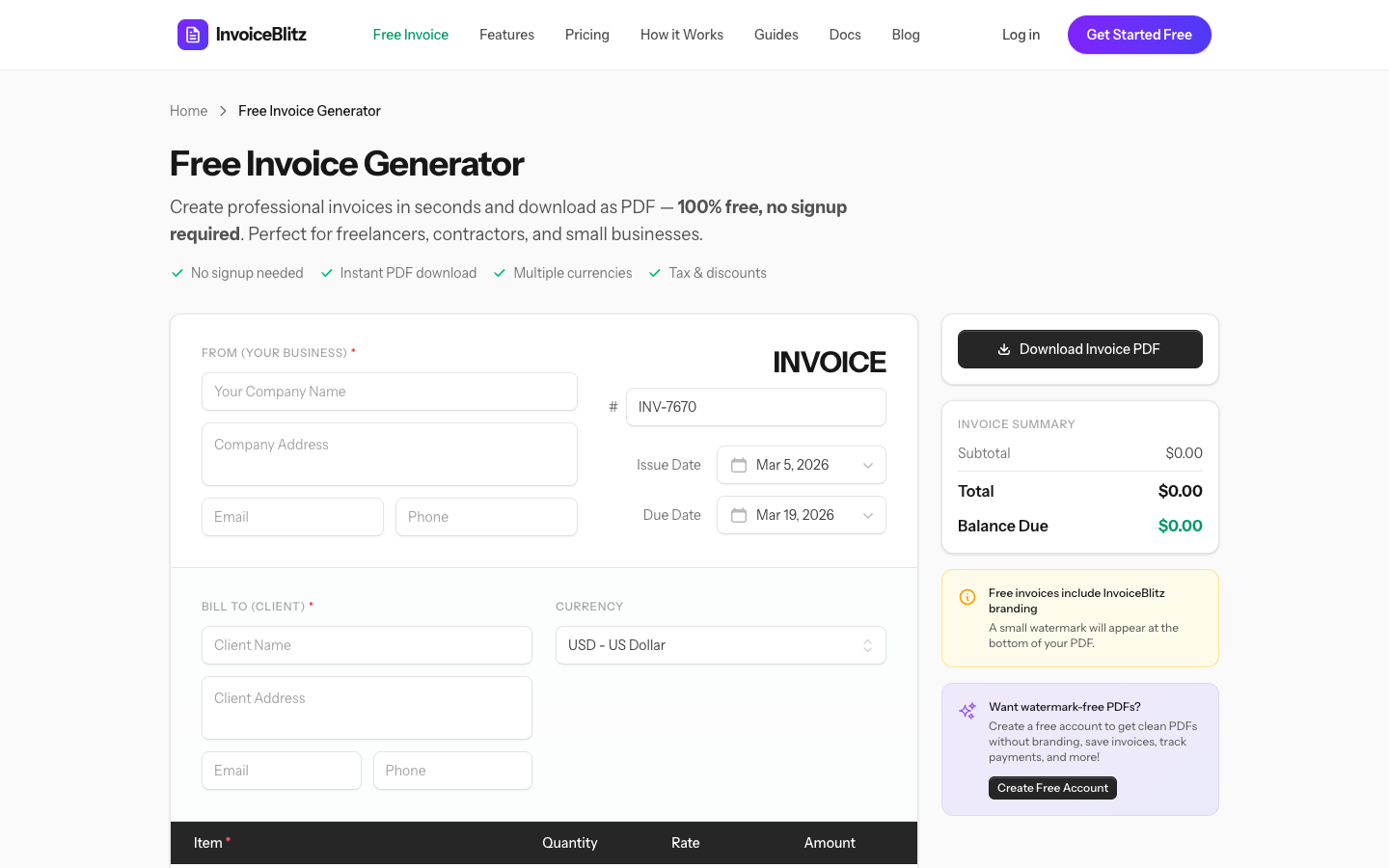
Free Invoice Generator
Need a quick invoice without creating an account? Use our Free Invoice Generator to create and download a professional PDF invoice instantly.
How It Works
Fill in your company details, client info, and line items directly in the browser. Click "Generate PDF" and download your invoice — no sign-up required.
Free Tool vs Free Account
Free Generator
- No account needed
- Instant PDF download
- No invoice history
- No client management
Free Account
- 5 invoices/month
- Full invoice history
- Client management
- Email invoices directly
More Invoicing Solutions
Ready to get started?
Create your free account and start invoicing in minutes. No credit card required.